


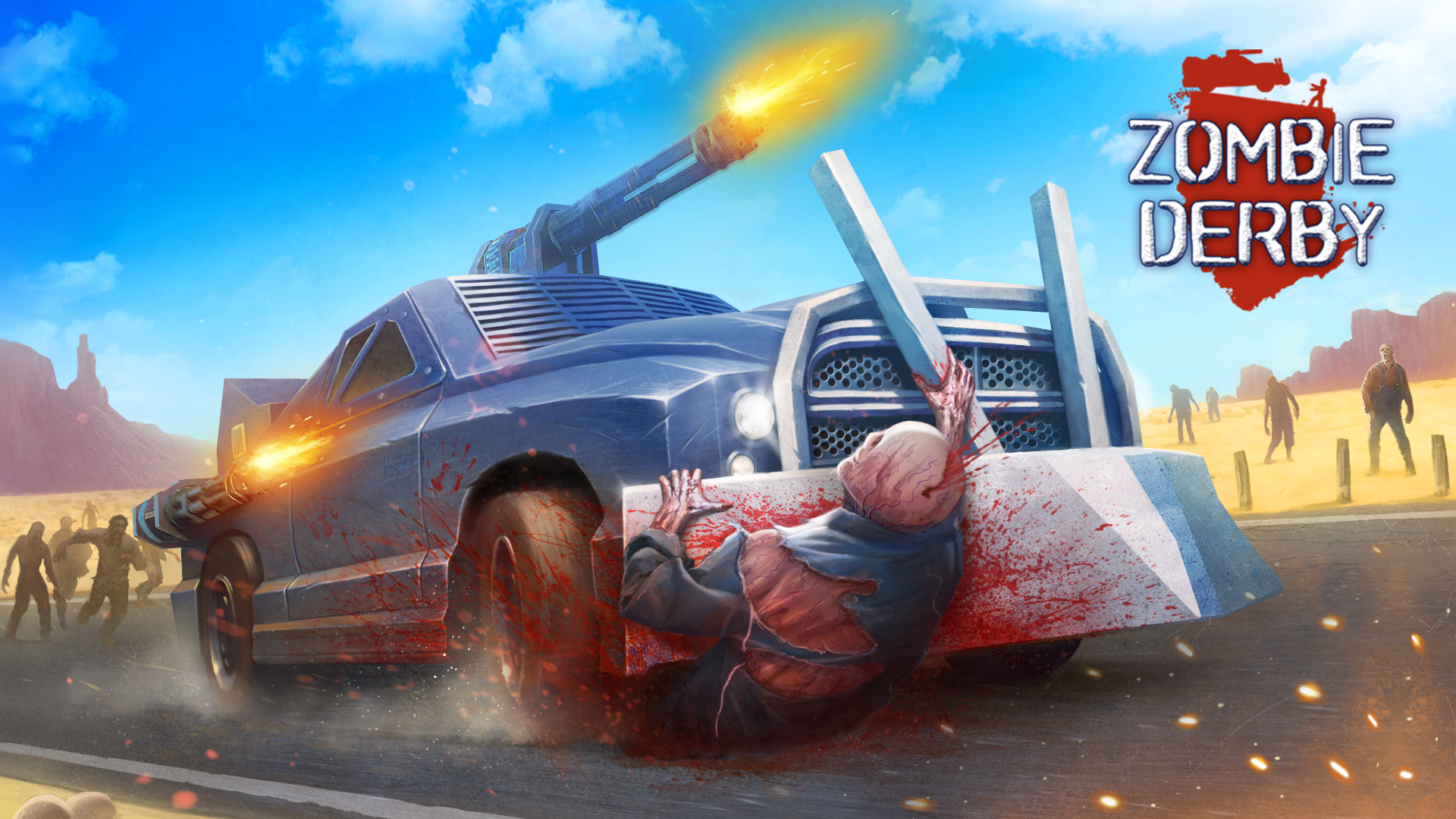
Zombie Derby
Zombie Derby
🐾 Bad Cat Prankster: Mom's Return
Unleash your inner feline troublemaker in Bad Cat Prankster - Mom's Return! Take control of a mischievous cat and turn an ordinary suburban home into your personal chaotic playground. Scratch up expensive furniture, swipe delicate objects off high shelves, climb onto rooftops, and set off hilarious pranks across every room. Explore interactive house environments, complete sneaky prank objectives, and use your sharp reflexes to hide in the shadows or sprint away before Mom catches you red-handed!
🌟 Key Features:
😼 Playable Mischievous Cat: Experience life as a playful feline with natural abilities like climbing, scratching, and jumping.
💥 Interactive Chaos & Pranks: Knock over household items, claw furniture, create messes, and complete sneaky prank missions.
👀 Stealth & Survival Mechanics: Keep an eye out for Mom's line of sight—hide under tables, sneak into corners, and make quick escapes.
🏡 Detailed Home Playground: Explore rooms packed with interactive objects, secret perches, and rooftop paths.
🎨 Expressive Audio & Visuals: Enjoy vibrant cartoon visuals, smooth animations, and funny situational sound effects.
🎮 How to Play & Controls:
🎯 Objective: Complete funny prank missions around the house, create maximum chaos, and evade Mom to avoid getting caught.
💡 Stealth & Prank Strategy:
• Watch Mom's Patrol: Complete noise-making pranks when Mom is in another room so you have time to hide before she arrives.
• Use Vertical Space: Scale bookshelves and rooftops to stay out of reach and gain a clear view of the house layout.
• Aim Your Throws: Grab items with F and throw them using R to knock down far-off objects or distract humans.
💻 PC Controls:
• Movement & Camera: WASD to move, Shift to sprint, Spacebar to jump, move Mouse to rotate camera.
• Actions & Combat: F to interact/grab objects, R to throw held items, Q to attack/claw.
• UI & Assistance: C to view control overlay, H for mission hints, P to pause.
📱 Mobile Controls:
• Movement & Looking: Drag the on-screen virtual joystick to move your cat; drag across the right side to adjust camera view.
• Actions & UI: Tap dedicated on-screen buttons for Jump, Sprint, Grab/Interact, Throw, Claw Attack, and Hints.