


Truck Slam
Truck Slam
🛞 Truck Slam
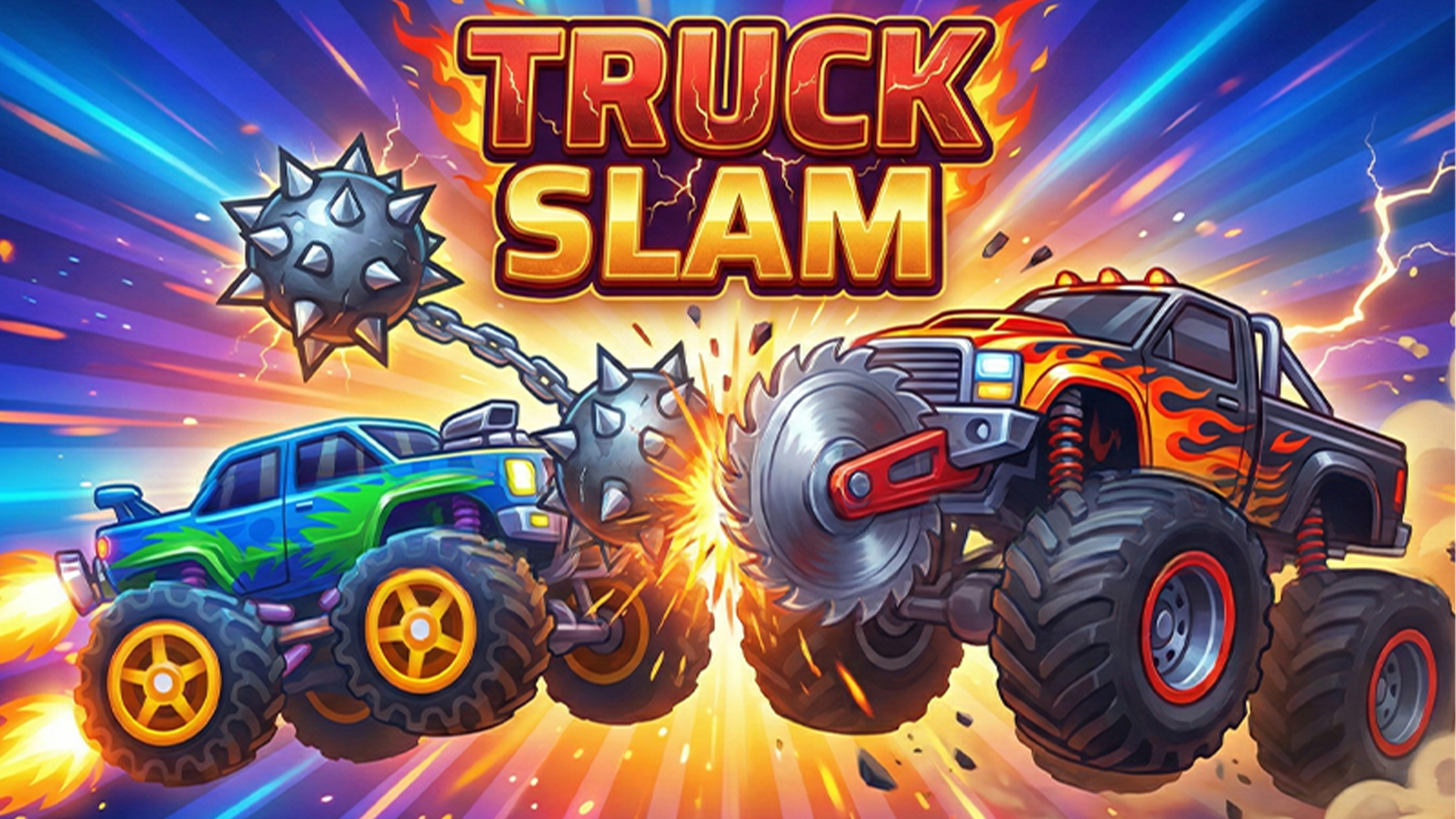
Enter the arena for brutal gladiator-style vehicular combat in Truck Slam! Command a heavy monster truck armed with a deadly spinning mace attached to its chassis. Drive full speed into rival trucks and swing your massive flail to smash their armor to pieces before they crush yours. Face off against AI opponents across progressive single-player levels or duel a friend in 2-player local split-screen mode. Collect cogs from destroyed foes to upgrade your wheels, body frame, and spinning mace into an unstoppable destruction machine!
🌟 Key Features:
🔨 Spinning Mace Combat: Swing a heavy wrecking mace attached to your truck to crush rival vehicles.
👥 Local 2-Player Versus Mode: Go head-to-head with a friend on the same screen in intense round-based duels.
🛠️ Vehicle Upgrade System: Collect dropped cogs to upgrade your truck's body durability, wheel traction, and mace destruction power.
💥 Dynamic Arena Physics: Joust, jump, and slam into opponents with momentum-driven collisions.
📈 Single-Player Campaign: Fight through escalating waves of AI opponents, unlocking powerful upgrades after every victory.
🎮 How to Play & Controls:
🎯 Objective: Drive into opponent monster trucks, time your mace swings to destroy them, collect cogs, and survive the arena.
💡 Arena Combat Strategy:
• Time Your Swing: Build forward momentum before triggering your mace swing to maximize impact velocity and damage.
• Protect Your Cab: Jump over incoming enemy maces while swinging your own weapon down onto the enemy driver's cabin.
💻 1-Player PC Controls:
• Move Left / Right: A and D keys.
• Jump: Q key.
• Swing Mace: S key or Spacebar.
👥 2-Player PC Controls:
• Player 1: A / D to move, Q to jump, S or Spacebar to swing mace.
• Player 2: Left Arrow / Right Arrow to move, Up Arrow to jump, Down Arrow or Enter to swing mace.
📱 Mobile Controls:
• Arena Actions: Tap on-screen directional buttons for Left and Right movement, Jump, and Mace Swing.