


Pool 8
Pool 8
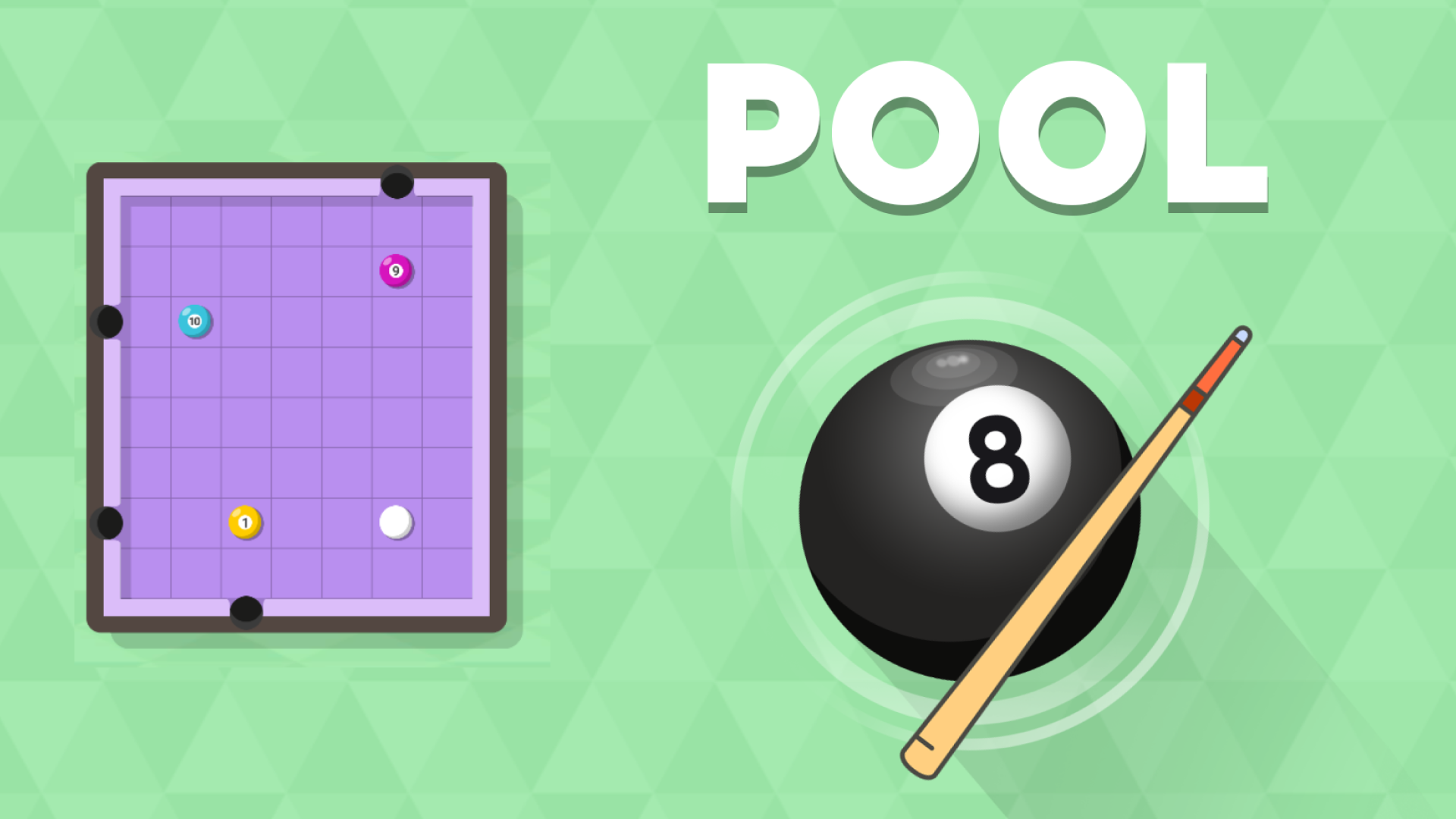
🎱 Pool 8
Challenge your spatial reasoning in Pool 8—a minimalist, brain-teasing puzzle game set on a classic billiards table! Unlike traditional pool games, Pool 8 limits your movement strictly to cardinal directions: up, down, left, and right. Calculate precise shot trajectories, plan multi-step movement sequences, and pot all target balls in the exact required order. Advance through escalating difficulty tiers starting from Rookie levels, and test your precision in "Smash the Candies" bonus rounds to earn extra retries!
🌟 Key Features:
🧠 Minimalist Billiards Puzzles: Solve intricate grid-based pool challenges centered around order of operations and linear movement.
📐 Cardinal Direction Mechanics: Navigate table layouts strictly using straight horizontal and vertical directional swipes.
📈 Escalating Difficulty Tiers: Progress through multiple difficulty tiers from basic Rookie setups to complex multi-ball layouts.
🍬 Bonus Retry Rounds: Play "Smash the Candies" mini-games at the end of difficulty levels to earn extra retry chances.
🎯 Clean Visual Aesthetics: Enjoy top-down geometric puzzle design with clean physics feedback.
🎮 How to Play & Controls:
🎯 Objective: Swipe the cue ball in horizontal and vertical straight lines to pot every target ball into pockets in the correct sequence.
💡 Puzzle Strategy & Shot Planning:
• Work Backward from Pockets: Identify which ball must be potted last, then trace backward to determine the correct initial cue ball trajectory.
• Use Balls as Stoppers: Position remaining target balls as backstops to prevent your cue ball from sliding past crucial alignment lanes.
💻 PC Controls:
• Shoot / Directional Stroke: Arrow Keys or WASD to launch cue ball (Up, Down, Left, Right). Alternatively, Click and Drag with the Left Mouse Button in the desired shot direction.
• UI & Menus: Left-click on-screen buttons to select levels and restart.
📱 Mobile Controls:
• Shoot / Directional Stroke: Swipe Up, Down, Left, or Right across the touchscreen to hit the cue ball.
• UI & Menus: Tap directly on UI elements to navigate menus.