


E-Rickshaw Simulator
E-Rickshaw Simulator
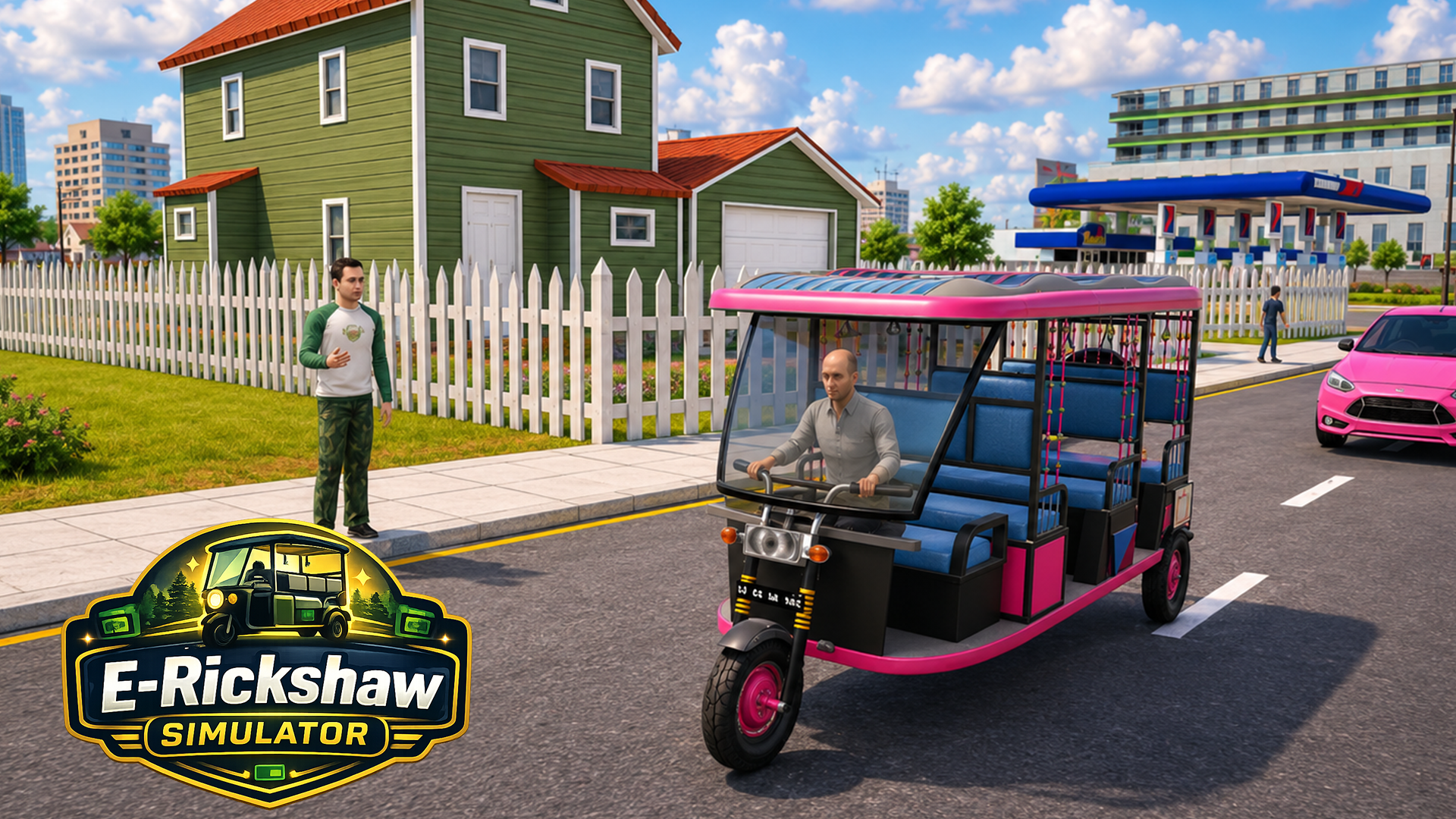
🛺 E-Rickshaw Simulator
Step into the driver's seat of an eco-friendly transport vehicle in E-Rickshaw Simulator! Navigate busy urban streets, bustling residential zones, and commercial districts as a professional electric rickshaw driver. Pick up passengers from diverse locations—including schools, hospitals, museum stops, and shopping centers—and deliver them safely to their destinations. Follow mini-map routes, dodge heavy traffic and pedestrians, manage your vehicle's health, and earn fare rewards to unlock faster, higher-capacity e-rickshaws in the garage!
🌟 Key Features:
🛺 Realistic Electric Rickshaw Physics: Experience accurate steering, acceleration, and handling dynamics unique to three-wheeled electric vehicles.
🗺️ Dynamic City Locations: Complete missions across varied urban hubs including schools, offices, hotels, hospitals, and shopping areas.
📍 Mini-Map & Waypoint Navigation: Track passenger pickup zones and drop-off points using real-time distance indicators.
🚨 Traffic & Pedestrian Hazard Systems: Maneuver carefully through dense traffic while avoiding collisions to protect passenger safety and vehicle health.
🏪 Garage Unlock & Upgrade Shop: Earn cash from successful rides to purchase new, high-performance e-rickshaw models.
🎮 How to Play & Controls:
🎯 Objective: Navigate city routes, pick up passengers, drop them off safely without crashing, and earn fare rewards to unlock new rickshaws.
💡 Urban Driving & Route Strategy:
• Watch the Mini-Map: Plan your turns in advance using the mini-map to avoid taking wrong turns down long one-way streets.
• Maintain Vehicle Integrity: Ease off the accelerator around tight corners to prevent sharp collisions that drain your rickshaw's health meter.
💻 PC Controls:
• Accelerate: W or Up Arrow key.
• Brake / Reverse: S or Down Arrow key.
• Steer Left: A or Left Arrow key.
• Steer Right: D or Right Arrow key.
• UI & Menus: Left-click on-screen buttons to interact with garage menus.
📱 Mobile Controls:
• Steering & Pedals: Tap and hold the on-screen steering arrows/wheel, accelerator, and brake pedals.
• UI & Menus: Tap directly on UI icons to navigate garage screens and start missions.