


Cooking Shawarma Idle Game
Cooking Shawarma Idle Game
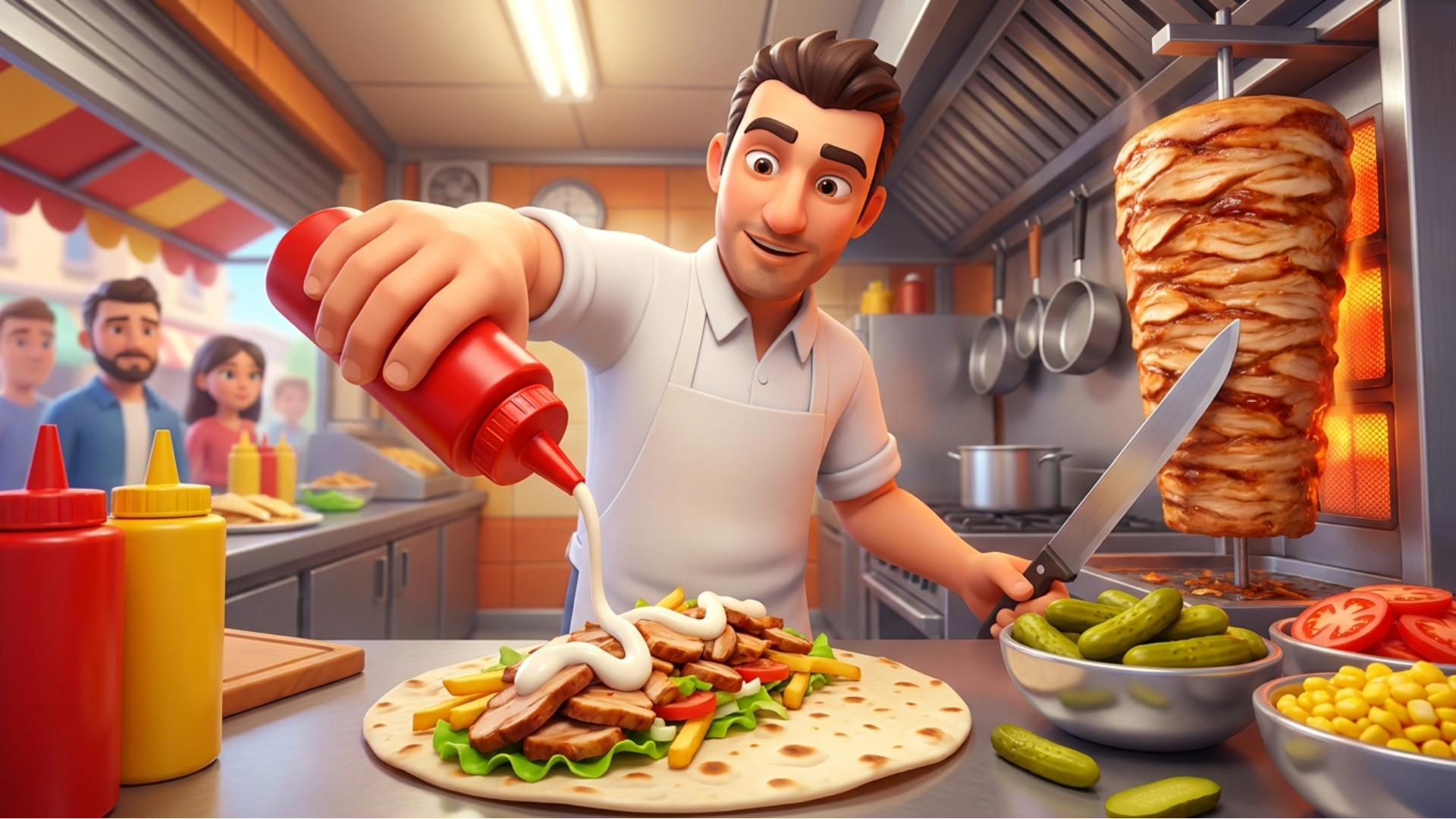
🥙 Shawarma Restaurant Master
Step into the sizzling world of culinary entrepreneurship in Shawarma Restaurant Master—an engaging food stall management simulator! Transform a humble shawarma stand into a thriving fast-food empire. Slice seasoned meats, fry crispy golden chips, fill warm lavash with custom toppings, and serve cold drinks and pasta to eager customers in real time. Upgrade your kitchen apparatus, enhance your slicing speed, and balance fast-paced order assembly to keep satisfaction high and profits soaring!
🌟 Key Features:
🥙 Authentic Shawarma Crafting: Slice seasoned meats, layer lavash wraps, and customize orders with ketchup, mayo, pickles, and extra toppings.
🍟 Diverse Fast-Food Menu: Prepare and manage multiple menu items including crispy French fries, pasta dishes, and refreshing cold drinks.
⚡ Kitchen Upgrades & Speed Boosts: Upgrade your slicing knives, frying stations, and preparation counters to handle peak rush hours.
⏱️ Real-Time Customer Satisfaction: Fulfill precise customer orders quickly to earn tips, maintain high satisfaction, and avoid walkouts.
📈 Empire Progression: Grow from a small roadside food stand into a world-class culinary restaurant chain.
🎮 How to Play & Controls:
🎯 Objective: Accurately prepare, cook, and assemble custom food orders to serve waiting customers and earn cash for kitchen upgrades.
💡 Kitchen Management Strategy:
• Prep Ahead: Keep meat pre-sliced and fries cooking in advance during slow periods to prevent long wait times during customer rushes.
• Prioritize Slicing Upgrades: Invest your early profits into upgrading your slicing knife to speed up wrap assembly.
💻 PC Controls (Mouse):
• Fry Chips: Hold Right Mouse Button over the fryer station.
• Cut Meat: Hold Right Mouse Button and drag across the meat spit to slice.
• Fill Shawarma: Click Right Mouse Button multiple times on toppings and sauces to add them.
• Serve Order: Hold Right Mouse Button on the finished item and drag it directly to the customer.
📱 Mobile Controls (Touch):
• Fry Chips: Tap and hold the fryer icon.
• Cut Meat: Tap and drag across the meat spit.
• Fill Shawarma: Tap ingredients multiple times to layer them onto the wrap.
• Serve Order: Tap and hold the completed food item, then drag it to the customer.