


Backrooms Craft
Backrooms Craft
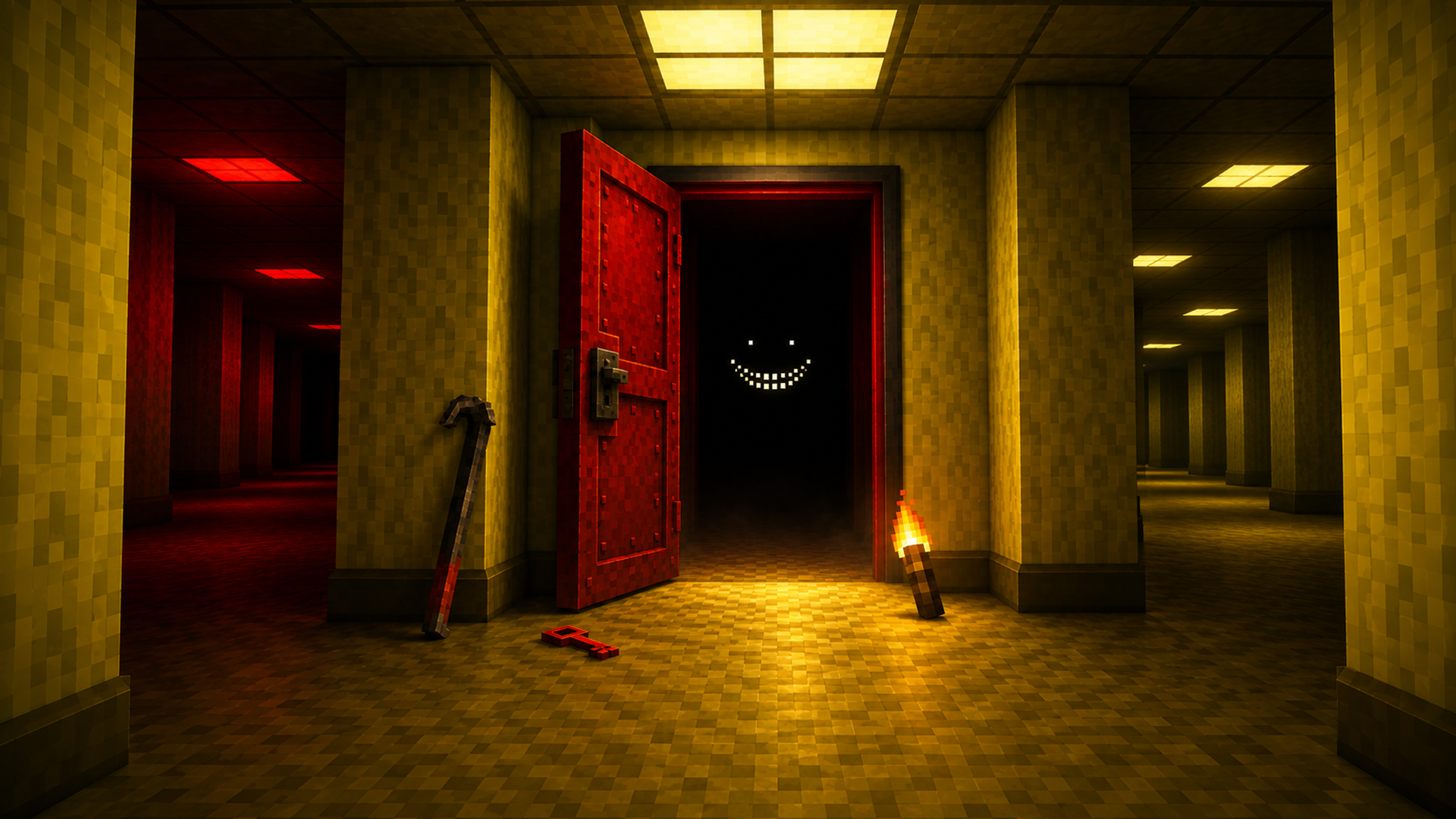
🟨 Backrooms Survival & Crafting
Trapped in the haunting liminal depths of the Backrooms, your survival depends on resourcefulness and steady nerves. Step beyond the damp carpet and endless yellow wallpaper to scavenge abandoned furniture, assemble primitive workbenches, and craft essential survival tools. Build a safe haven within the yellow-lined home hall—the only zone safe from the realm's procedural shifts—while managing your health, hunger, thirst, and sanity across creepy poolrooms, server halls, and dark warehouses!
🌟 Key Features:
🏚️ Liminal World Crafting & Salvaging: Break down chairs, tables, and fixtures to craft torches, stone tools, and advanced steel gear.
🟡 Safe Zone Base Building: Build lasting structures behind the yellow hall line—the single persistent zone where structures never reshuffle.
🧠 Survival & Sanity Management: Keep health, hunger, and thirst in check while drinking Almond Water to steady your sanity against horrors in the dark.
🌀 Procedural Liminal Environments: Explore randomly shifting zones including white-tiled poolrooms, blue server halls, and hotel corridors.
📖 Anomalous Journal Documentation: Uncover and document anomalous seams, hidden zones, and entity sightings in your survivor journal.
🎮 How to Play & Controls:
🎯 Objective: Scavenge resources, establish a permanent base in the yellow safe hall, manage survival vitals, and explore procedural Backrooms levels.
💡 Survival Strategy & Tips:
• Respect the Yellow Line: Always construct workbenches, furnaces, and storage chests inside the initial yellow hall border so they persist across runs.
• Manage Sanity & Light: Always carry torches when entering dark zones and consume Almond Water whenever sanity drops.
💻 PC Controls:
• Move: WASD or Arrow Keys (Shift to run, Spacebar to jump, C to crouch).
• Look Around: Move the Mouse.
• Mine / Attack: Hold Left Mouse Button to mine blocks/break furniture or attack entities.
• Place / Interact / Consume: Right Mouse Button to place blocks, open workbenches/furnaces, or consume items.
• Select Belt Item: Keys 1-9 or Mouse Scroll Wheel.
• Menus & Inventory: E for Inventory & Crafting, J for Journal, Esc to Pause.
📱 Mobile Controls:
• Movement & Run: Touch anywhere on the left side to show the movement stick; push to edge to run.
• Camera Look: Drag your finger across the right side of the screen.
• Mine / Attack: Hold finger on a block to continuously mine; short tap to place, use, or attack.
• Jump, Crouch & Weapon: Tap on-screen jump and crouch pads on the right; tap the dedicated weapon pad when equipped.
• Inventory & Journal: Tap the bag icon at the end of the belt for Inventory/Crafting; tap the Journal icon in the top corner.