


Seven Down
Seven Down
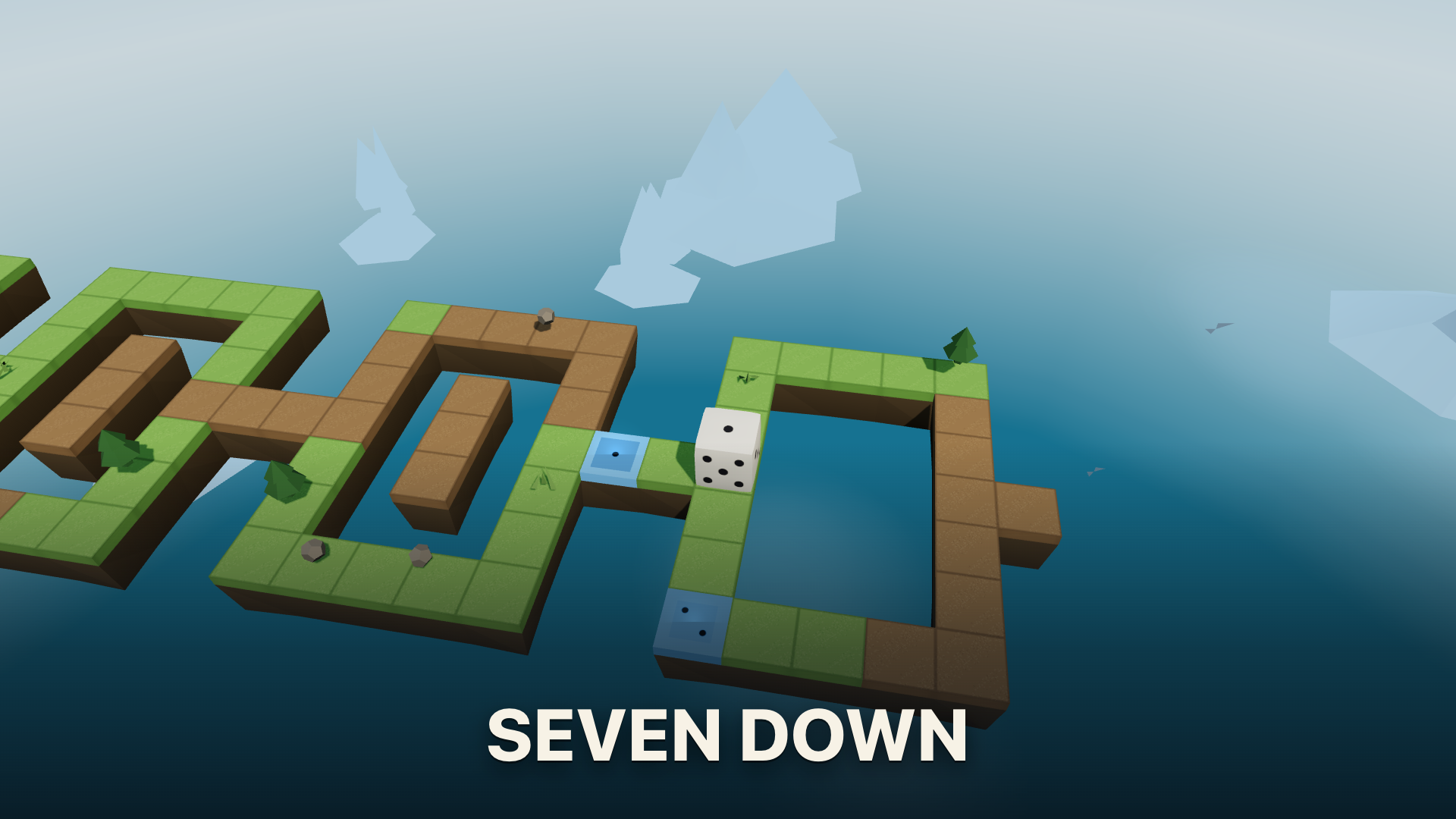
🎲 Seven Down
Master the art of hidden spatial logic in Seven Down—a rolling-die puzzle and action game! Built upon a single core rule—the number touching the ground counts, and opposite faces always add up to seven—you must calculate the hidden face based on the top number to solve intricate challenges. Explore three distinct game modes featuring 60 logic puzzles, 120 action-packed obstacle stages with active hazards and powers, and 60 dark mazes. Every level is machine-proven to be solvable, offering pristine logic and procedural design!
🌟 Key Features:
🧩 3 Diverse Game Modes: Tackle 60 hand-checked logic Puzzles, 120 hazard-filled Action stages, and 60 fog-of-war Mazes.
🎲 The Hidden Face Rule: Deduce your active ground number by calculating the opposite side of the top face (opposite sides always total 7).
⚡ Action Powers & Collectibles: Land on target numbers to collect and trigger utility powers like Bridges, Guards, and Shields.
📐 Machine-Proven Par Ratings: Every board is verified by a solver, ensuring the shortest, most efficient route is always achievable.
🌐 100% Procedural & Offline: Textures, music, and board elements generate dynamically as the game runs for seamless offline play.
🎮 How to Play & Controls:
🎯 Objective: Roll the die across boards to reach target destination tiles while landing on the exact required face value.
💡 Spatial Logic & Mechanics:
• Calculate Ground Face: Subtract the top face from 7 to know your current ground value (e.g., if 2 is on top, 5 touches the ground).
• Route Planning: Calculate every roll step by step to arrive at final pads or power pickups showing the correct target number.
💻 PC Controls:
• Roll Die: Arrow Keys or WASD (hold key in Action mode for continuous rolling).
• Use Powers: 1 for Bridge, 2 for Guard, 3 for Shield.
• Camera Controls: C key to change camera angle; V key for Overview board pull-back.
• General & UI: Spacebar to skip countdown; Esc to open the menu.
📱 Mobile Controls:
• Roll Die: Drag your finger anywhere on screen in the desired roll direction.
• Use Powers & Menus: Tap power chips directly on screen to use Bridge, Guard, or Shield abilities; tap on-screen icons for menus and camera adjustments.