


Pocket Tile
Pocket Tile
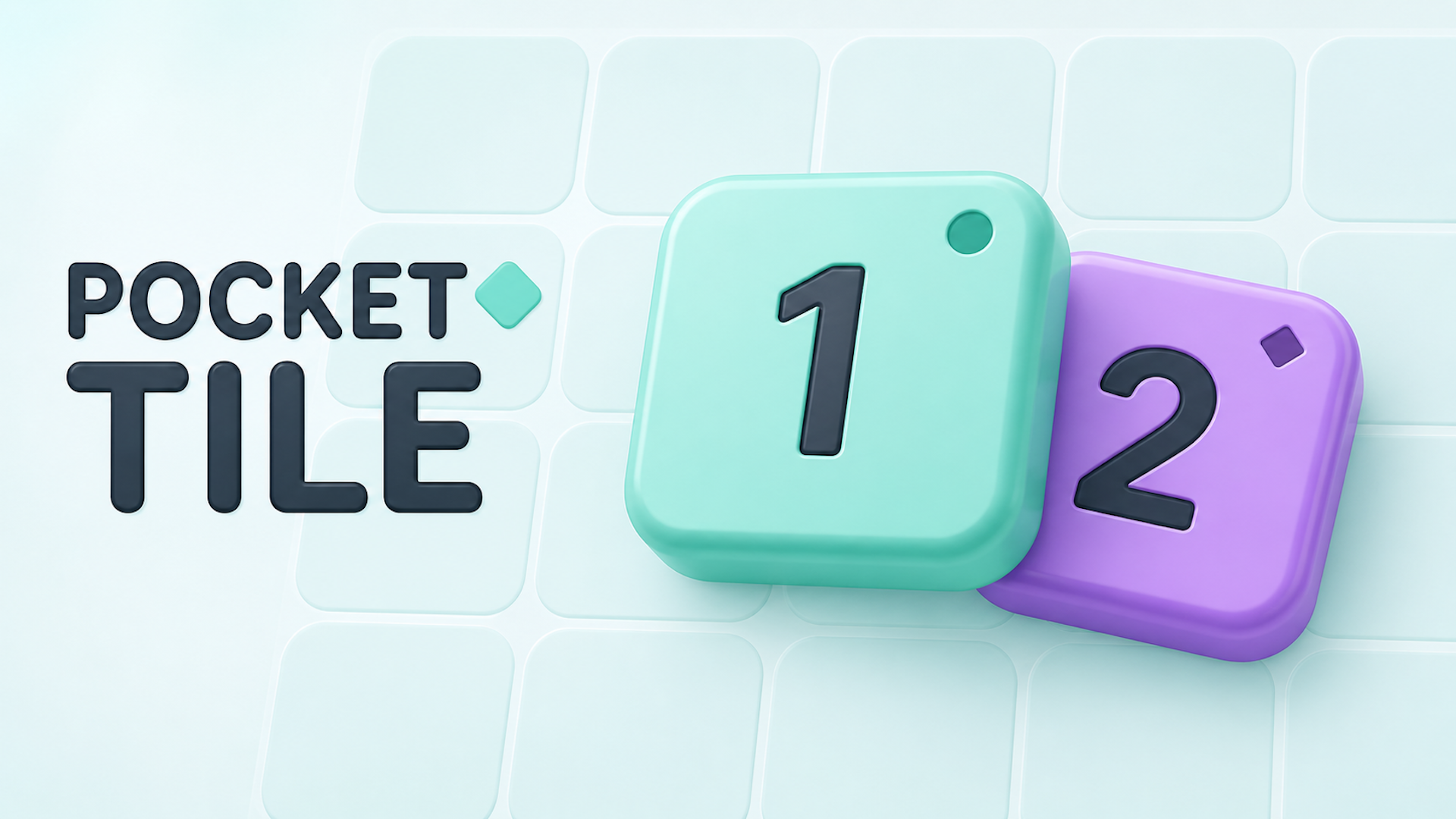
🧩 Pocket Tile
Strategy and spatial planning meet colorful numerical merging in Pocket Tile! Set on a compact 5×5 grid, your objective is to connect three matching tiles of the same number and color. Once aligned, select where the glowing tiles fuse to create a higher-value block. Take advantage of Clone and Change Color special tiles to manipulate neighboring values, clear board space, and trigger chain merges. Explore three distinct modes: daily puzzles, a 50-level Adventure campaign, and high-score Rank mode!
🌟 Key Features:
🎯 3 Game Modes: Play a fresh daily puzzle every day, tackle 50 progressive level goals in Adventure mode, or chase high scores on an empty board in Rank Game.
🔄 Tactical Merging: Connect three matching numbers and colors (mint circles or violet diamonds) horizontally or vertically to evolve higher-numbered tiles.
🎨 Special Helper Tiles: Use Paintbrush tiles to swap a neighbor's color or Clone tiles to duplicate adjacent matching numbers.
🔮 Next Tile Preview: Plan moves ahead by keeping an eye on upcoming tile pieces in the preview queue.
✨ Vibrant Visual Style: Enjoy clean cartoon artwork, glowing merge feedback, and accessible tap controls.
🎮 How to Play & Controls:
🎯 Objective: Place tiles on the 5×5 board, connect and merge groups of three matching tiles, and reach level targets or high scores.
💡 Rules & Special Mechanics:
• Connecting & Merging: Align 3 identical tiles horizontally or vertically (diagonals do not count). Tap any of the glowing connected tiles to choose where the merged, higher-value tile will sit.
• Color & Symbol Types: Mint tiles feature circle markers and violet tiles feature diamond markers; both number and color must match to trigger a merge.
• Change Color Tile: Paintbrush tiles change a targeted neighbor's color from mint to violet (or vice versa) while preserving its number value.
• Clone Tile: Copies the number of an adjacent tile matching its color without consuming the original.
👆 Controls:
• Desktop: Left-click empty board cells to place tiles, click glowing tiles to select merge points, and click UI elements.
• Mobile: Tap empty grid spots directly to place tiles, tap glowing tiles to complete merges, and tap on-screen menus.