


Animal Clinic (Anomaly)
Animal Clinic (Anomaly)
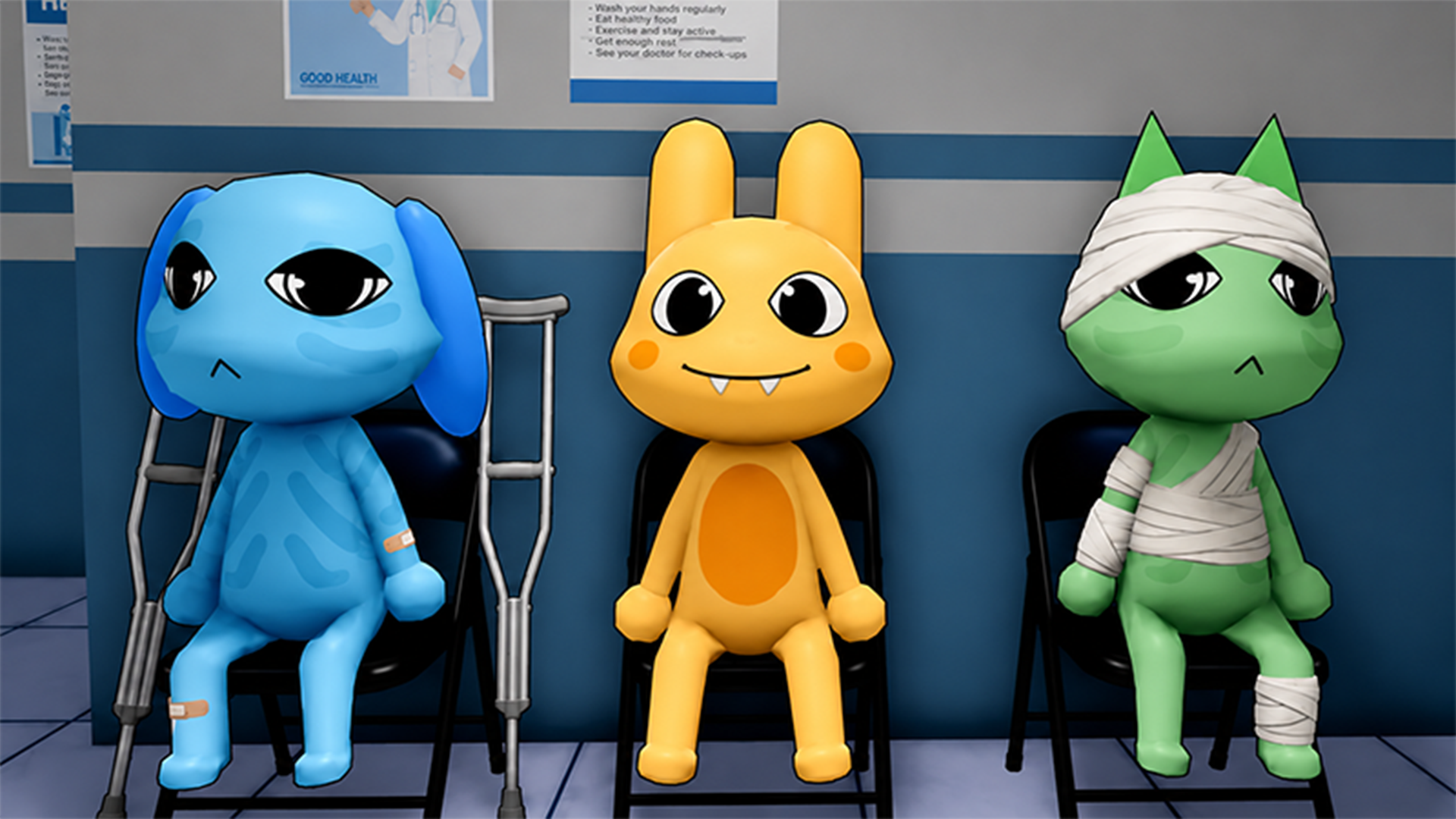
🏥 Anomaly Animal Clinic
Step into Anomaly Animal Clinic, a tense vet hospital where no shift is ever normal! Check in cute pet patients, stamp official forms, take diagnostic photos, and treat animals with extreme care. Keep your eyes peeled for hidden anomalies, guard your sanity, and keep the hospital running smoothly amid a mix of horror and humor.
🌟 Key Features:
👁️ Spot Hidden Anomalies: Stay sharp to spot terrifying anomalies disguised among innocent animals.
📋 Clinic Management: Check in incoming patients, stamp forms, and manage medical procedures.
🧠 Sanity System: Protect your sanity through tense shifts and prevent the hospital from falling apart.
😱 Horror & Comedy Blend: Experience a unique mix of horror, comedy, and suspenseful gameplay.
🎮 How to Play & Controls:
🎯 Objective: Examine animals, process paperwork, spot hidden anomalies, and complete shifts safely.
👆 Interact & Treat: Tap or click on paperwork, tools, and animals to check in patients, stamp forms, and administer treatments.
🎮 How to Play & Controls:
🎯 Objective: Process patients, administer medical treatments, identify hidden anomalies, protect your sanity, and complete your shift quota.
📋 Clinic Workflow:
1. Greeting: Talk to the patient at the reception desk.
2. Paperwork: Stamp forms and take diagnostic photos.
3. Registration: Log details on the registration computer, print the badge, collect it, and place it.
4. Treatment: Escort the patient to a room, run tests, and treat them while inspecting for anomalies.
💻 PC Controls:
• Move: WASD keys.
• Look Around: Hold Right Mouse Button (RMB).
• Jump: Spacebar.
• Interact: E key (or press on-screen prompt).
• Inventory Hotkeys: Number keys 1–9.
• Use Item / Break Free: Left Mouse Button (LMB); spam LMB during anomaly attacks to escape.
• Security Camera Navigation: Q for Previous camera, E for Next camera, Space or Esc to Exit.
📱 Phone / Mobile Controls:
• Move: Left Virtual Joystick.
• Look Around: Swipe on the right side of the screen.
• Jump & Interact: Tap on-screen Jump and Interact buttons.
• Security Cameras: Tap on-screen Previous, Next, and Exit buttons.
👁️ Pro Tip: Anomalies can closely resemble normal pets. Always double-check patient features to guard your sanity and hit your shift quota!